
 Select Your Kit





In the latest update to the Wiser Home app version 7.5.0, Matter Bridge functionality has been added to provide 2nd Generation Wiser Hubs with broader smart home control across leading Matter-enabled platforms.

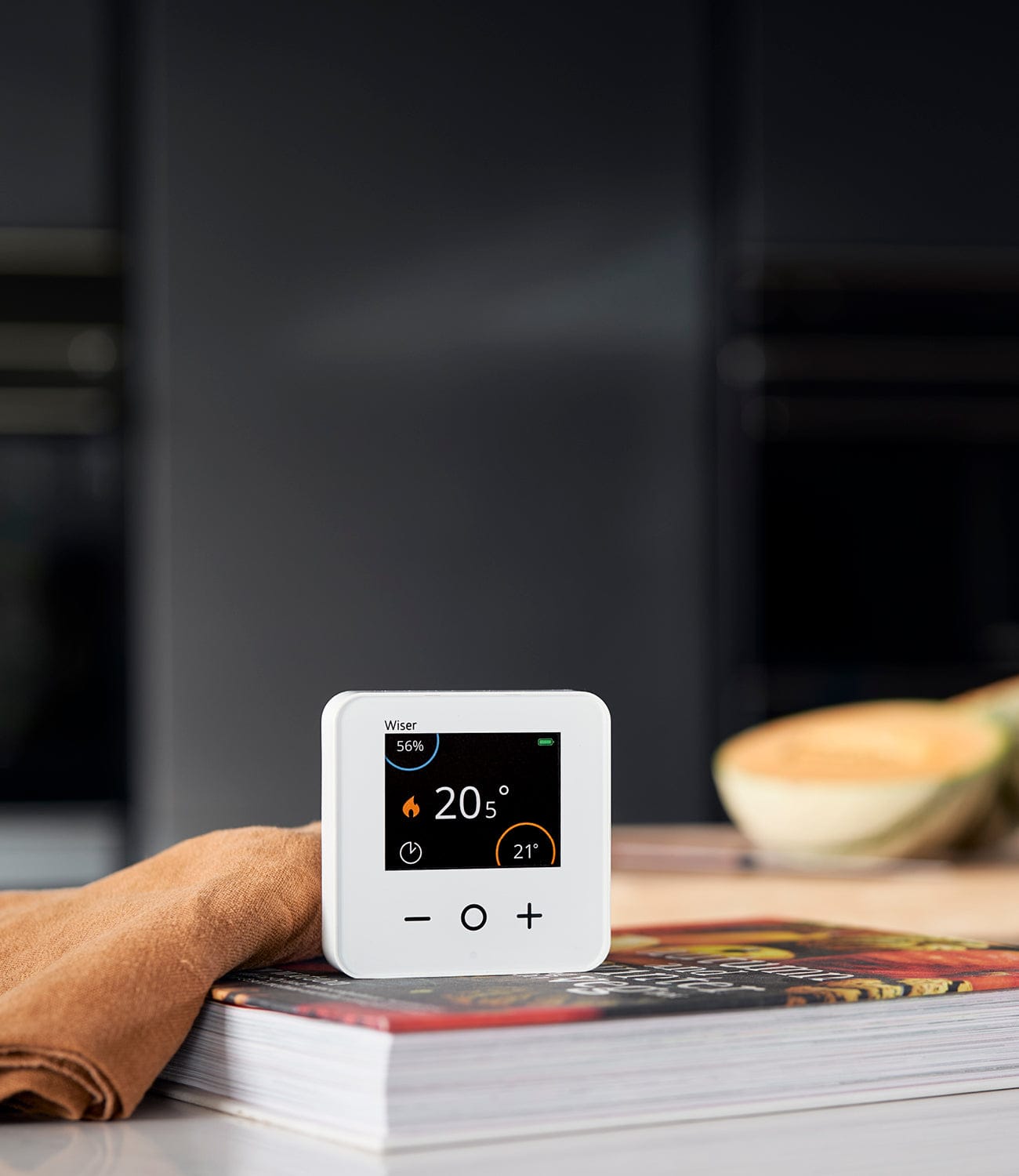
Mater compatibility is available on 2nd Generation Wiser Hubs (pictured) only.
What is Matter?
Matter is the new universal smart home standard backed by Apple, Google, Amazon, and others. It allows devices from different brands to communicate reliably and locally - no cloud connections, just faster, simpler and secure smart home control.
The Wiser 2nd Generation Hub acts as a Matter bridge, linking all your existing Wiser Zigbee devices (thermostats, sensors, plugs, etc.) into any Matter ecosystem, like Apple Home, Google Home, Alexa, or SmartThings. When added via Matter, each Wiser device appears natively in those apps, just like a fully supported product.

What this means in practice:
- A Wiser radiator or room thermostat shows up in Apple Home as a controllable thermostat.
- Door/window and motion sensors appear as contact and occupancy sensors you can use in automations.
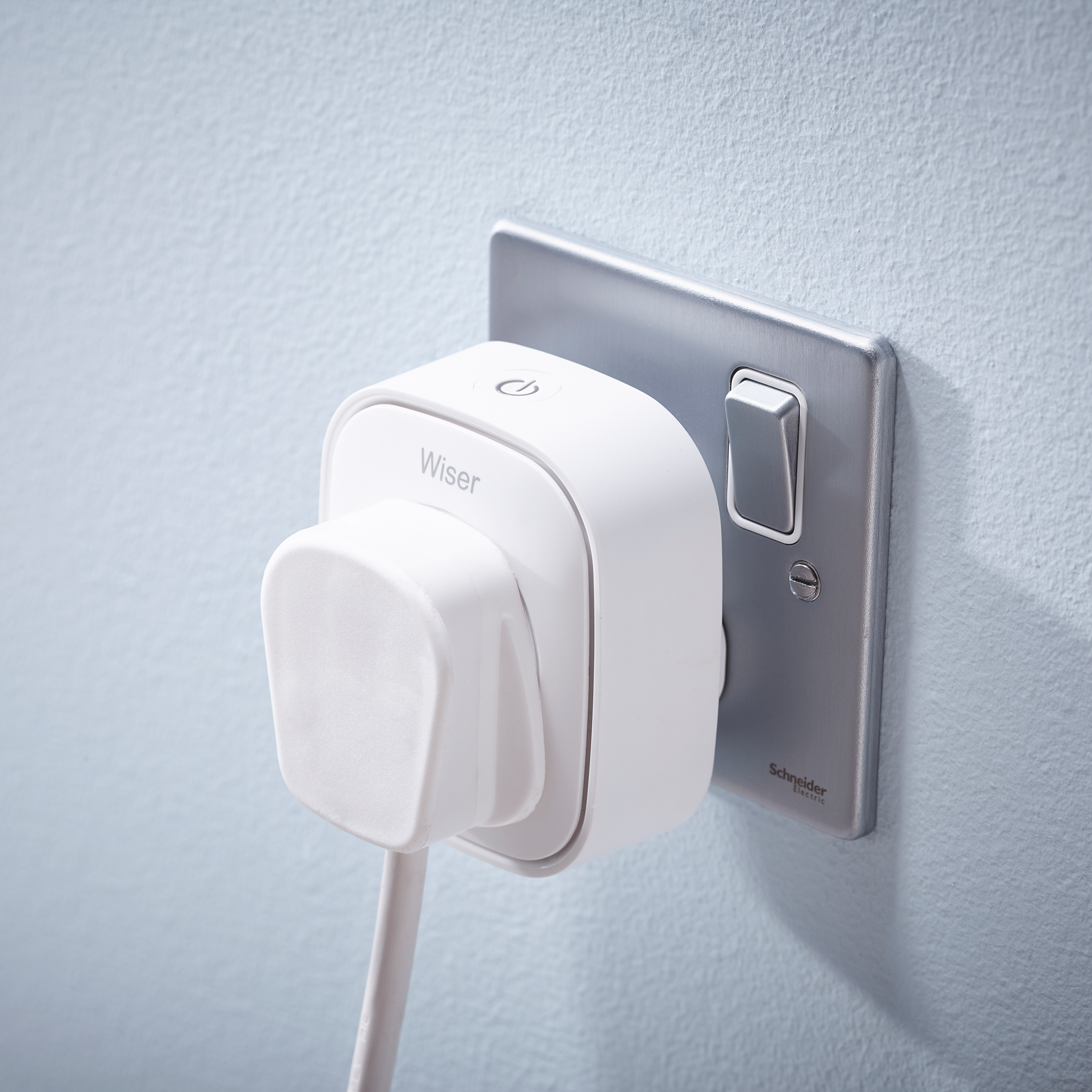
- Smart plugs, dimmers, and micro modules show as switches or lights.
- Automations can now cross ecosystems - an example command is: “When the Wiser door sensor opens, turn on the lamp and set the living room radiator to 21°C.”
- All actions run locally through Matter, keeping things fast and private.
In short, Matter lets Wiser sit at the heart of a mixed‑brand, fully interoperable smart home, working seamlessly with other Matter-certified devices and controllers while retaining Wiser’s strengths in energy and heating management.
How Will Wiser Devices appear in a Matter Ecosystem?
|
Wiser device |
Connection |
Appears via Matter Bridge as: |
Works with Matter Hub (e.g |
|
Smart Room Thermostat |
Zigbee |
Thermostat |
✅ |
|
Radiator Thermostat |
Zigbee |
Thermostat zone |
✅ |
|
Smart Plug |
Zigbee |
Switch/outlet |
✅ |
|
Window & Door Sensor |
Zigbee |
Contact sensor |
✅ |
|
Motion Sensor |
Zigbee |
Occupancy sensor |
✅ |
|
Water Leakage Sensor |
Zigbee |
Leak sensor |
✅ |
|
Power Micro Module |
Zigbee |
Switch |
✅ |
|
Dimmer Module |
Zigbee |
Light with dimming |
✅ |
|
Shades Control Module |
Zigbee |
Window‑covering |
✅ |
What's needed for Wiser to Work With Matter?
The Wiser 2nd Generation Hub acts as a Matter bridge - it translates your Zigbee devices into Matter communications. But a Matter bridge still needs a Matter controller to control and automate those devices.
Do you need a matter controller?
Yes, you do need a Matter controller, but the good news is you may already have one in your home.
Examples of Matter Controllers
You only need one Matter controller to allow other brands like Wiser to connect via Matter Bridge functionality. The following are all examples of Matter controllers:
- Apple Home - requires an Apple TV 4K or HomePod (mini or full) as a home hub. Your iPhone sets it up, but the hub is the persistent controller.
- Google Home - a Google Nest Hub, Nest Hub Max, or Nest Wi-Fi Pro acts as the controller.
- Amazon Alexa - an Echo (4th gen) or Echo Show supports Matter as a controller.
- Samsung SmartThings - a SmartThings Station or compatible hub can act as the Matter controller. (Lets leave this one off for now)

If you have a Google Home, Apple Home, Amazon Alexa or SmartThings hub at home, you already have everything you need to take advantage of WIser's Matter bridge functionality.
Key Points on Wiser and Matter
- You only need one Matter controller, but Matter supports multi-admin, so you can add the Wiser Matter Bridge to multiple ecosystems simultaneously (e.g. both Apple Home and Alexa at the same time).
- The controller needs to be always on - which is why it's a dedicated device like a HomePod or Nest Hub rather than just your phone.
- Your router needs to support Matter over Wi-Fi (most modern routers will do this).
So, in short pick whichever ecosystem you prefer, make sure you have the right always-on hub device for it, and the Wiser Matter Bridge handles the rest.