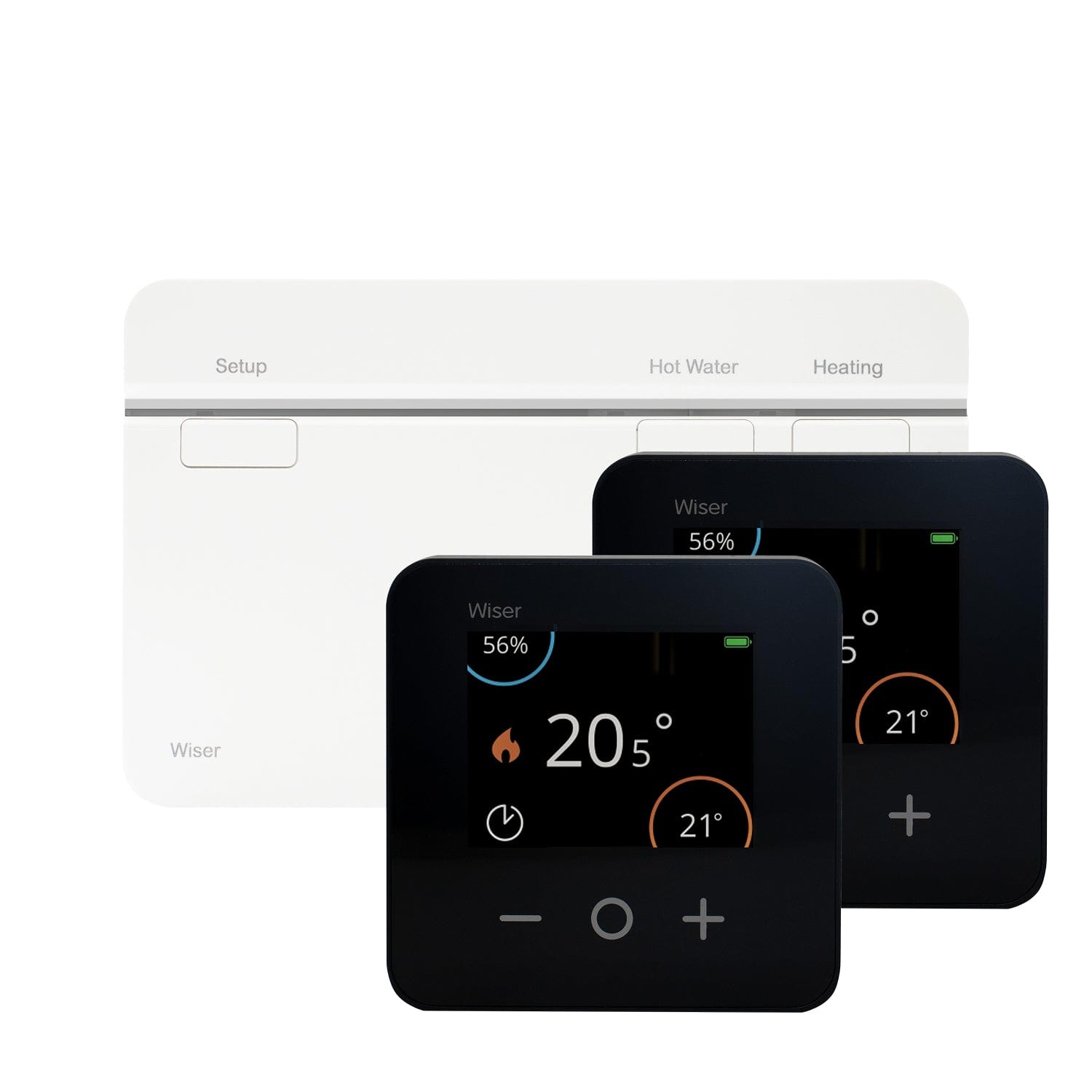

 Select Your Kit




Moving into a new home comes with a long to-do list - from unpacking boxes to updating your address and re-routing post. If your new home has Wiser’s smart heating system installed, getting it connected to your own account is an important step to ensure you have full control of your heating. The good news? It’s a straightforward process that can be done in just a few minutes once you have your internet all set up.
Watch our how-to video to learn how to install Wiser 1st Generation and pair the app (tip: if Wiser has already been installed, skip straight to How to Set Up the Wiser Home App)
View and download the Wiser New Homeowner PDF Guide
How to Pair Your Device with a Wiser 1st Generation Smart Heating System
Step 1: Download the Wiser Home App
Start by downloading the Wiser Home app from the App Store or Google Play if you haven’t already. Once installed, create a new account using your email address and input your information to register the account. If you already have a Wiser account, simply log in as normal.
Step 2: Check the System is Ready
Before pairing, make sure the Wiser HubR is fully installed near to the boiler and powered on. You should see a green indicator light showing that it’s ready.
Step 3: Reset the Hub (if needed)
In many cases when moving into a home, the Wiser system may still be linked to the previous owner’s account. To take control, you’ll need to reset the hub.
Locate the reset button on the front of the HubR. Press and hold it for around 20 seconds until the LED light stops changing and goes out. This clears all existing account information and prepares the system for pairing with your account.
Watch our step-by-step video guide How to Reset Your Wiser HubR:
Step 4: Pair Your Account
Open the Wiser Home app and follow the step-by-step instructions to add a new system. The app will guide you through connecting to the hub and naming your rooms. Make sure your phone is connected to the same Wi-Fi network as the HubR during this process.
Step 5: Test and Personalise
Once paired, test your heating by adjusting the temperature in the app. You can now customise schedules, activate the Smart Modes, and fine-tune your heating to suit your lifestyle - perfect as you settle into your new home.
Top Tip: If you run into any issues, double-check your Wi-Fi connection and ensure the HubR is fully reset. Most setup problems stem from incomplete resets or connectivity hiccups.
With your Wiser system connected, you’ll be ready to enjoy smart, efficient heating from day one. That’s one less thing to worry about when moving to a new home!
Wiser - Here for you every step of the way
We have multi-channel UK-based support ready to help you with any issue or enquiry, from our online support hub to our friendly phone lines. Browse the support available:
Visit the Drayton Home YouTube channel to watch how-to video guides and get tips to help you make the most of your system, saving energy and boosting comfort.
Visit our Contact Us page to access more support:
- Browse Wiser Online Support Hub and FAQs
- Complete an Email Contact Form
- Get our UK-based technical support telephone support number
- Subscribe to our monthly customer newsletter today for tips, news and exclusive offers
Ready to Expand Your Wiser System?
Whether you've moved into a home with Wiser but not every radiator has smart thermostatic control, or you've taken your Wiser system with you to a larger property, Wiser's buildable system means it's easy to add more zones for complete control and maximum savings when colder seasons roll around.
Browse the Wiser Add-ons today to enhance your control:
- Add Smart Radiator Thermostats to create or extend multi-room smart heating control.
- Add Smart Room Thermostats for more zone control, manual control, and for grouping Smart Radiator Thermostats under a single zone.
- Add Wiser Plugs to control mains electrical devices and boost device boost signal - handy for larger homes or those with thick walls.
- Mixed heating system? Add an Electrical Heat Switch to take smart control of electrical heaters and a single zone of electrical underfloor heating.